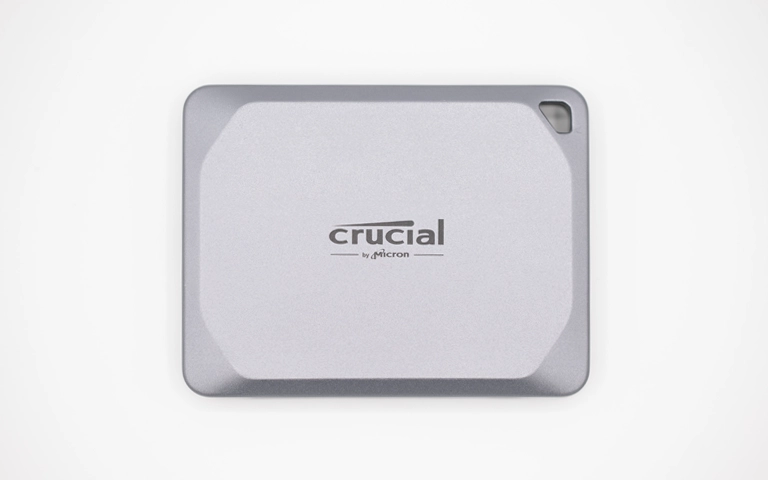
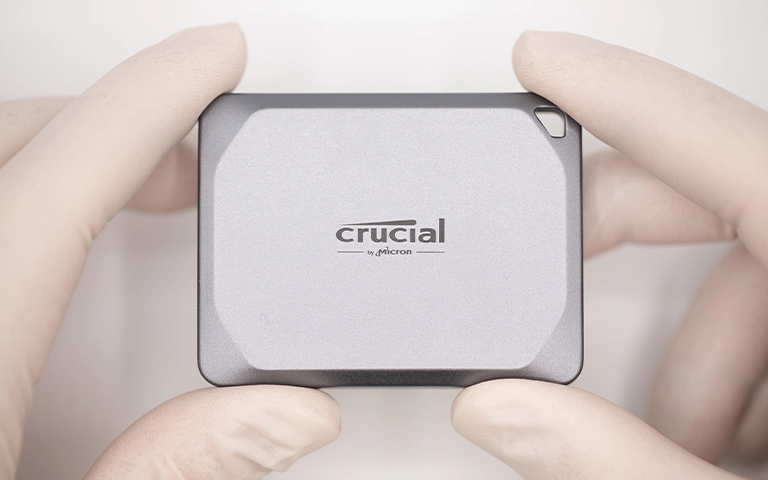
A client brought in a Crucial SSD that was not recognized, making key files inaccessible.
Our engineers completed physical inspection and advanced diagnostics to rule out hardware level issues and isolate the failure to logical errors and file system corruption.
We created a bit level image to preserve the data footprint, recovered data from the image, and validated results with a verification session. The recovery returned 99% of the client’s files.
Detection Failure Symptoms and Initial Condition
The Crucial SSD was not being recognized, which blocked normal access to the volume and prevented the client from reaching business critical files. Because “not detected” can be caused by anything from a simple interface issue to deeper firmware or logical corruption, we treated the intake as a controlled triage scenario.
What the client experienced
SSD not detected by the system
Data became inaccessible without warning
No reliable access to partitions or file system
Initial condition at intake
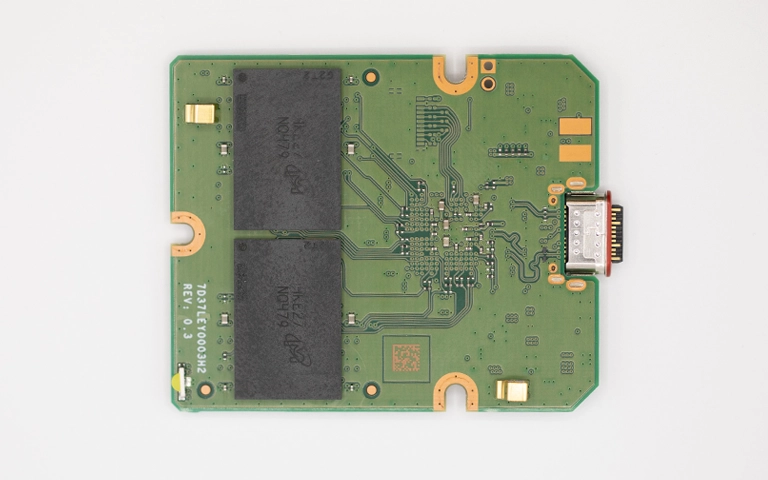
Physical inspection completed to rule out obvious damage or connector issues
Diagnostics launched to check firmware status, logical errors, and file system integrity
Early indicators pointed to logical corruption rather than mechanical failure
If your SSD is not showing up, learn more in SSD Not Showing Up.
Diagnostic Summary
| Issue | Evidence | Severity |
|---|---|---|
| Logical errors | Drive presented inconsistent logical responses during diagnostic reads | High |
| File system corruption | Volume could not be accessed normally and file structure was not readable | Critical |
| No obvious external physical damage | Visual inspection did not show clear impact damage or connector failure | Medium |
| Firmware checks completed | Firmware status was reviewed as part of triage to rule out firmware led detection failure | Medium |
With SSDs that are not detected, the fastest path to protecting data is to avoid repeated connection attempts and move directly to controlled imaging once diagnostics confirm the safest read path.

DIY Recovery
Risks permanent data loss
Let the Specialists Handle It
DIY attempts often result in permanent data loss. Our certified recovery specialists use advanced tools in controlled environments for the highest success rate.

24/7 Emergency Service
Stepwise Recovery Workflow
Step 1: Controlled intake inspection
We verified physical condition and ruled out simple connector or enclosure variables.
Step 2: Targeted diagnostics
We evaluated firmware signals, logical behavior, and file system status to confirm the failure mode.
Step 3: Bit level imaging
We created a bit level copy to preserve the data footprint and prevent further exposure to instability during recovery.
Step 4: Logical extraction from the image
We recovered data from the image copy using specialized techniques designed for corrupted file systems.
Step 5: Rebuild and validation
We reconstructed the file structure and validated recovered content during a verification session.
Avoid DIY “repair” actions on SSDs that are not detected. Repeated attempts can worsen corruption and reduce recoverable data.
If you are unsure whether recovery is still possible after an SSD detection failure, read more in Can SSD Data Be Recovered?
Your Data Security Is Our Priority
Data privacy isn’t optional. It’s our commitment. Our secure recovery process ensures your sensitive information stays protected from start to finish.
HIPAA Compliant
GDPR Compliant
Secure Facility
NDA Available
Trust in certified security. Start your recovery today! Call Now: 888.611.0737
99% File Recovery With Verification
We successfully recovered 99% of the client’s files from the Crucial SSD after completing bit level imaging and logical extraction from the image copy. The recovered data was organized into a usable structure for review and handoff.
A verification session was performed to confirm file integrity and usability before final delivery, ensuring the client could confidently proceed with restoration and business continuity.
If the issue involved deletion alongside corruption, learn more in Recover Deleted Files From SSD.
Hear It From Our Clients
Don't Let Data Loss Ruin Your Business
Minimize business disruption. We retrieve lost data fast, so you can focus on what matters.
Prevention Guidance for SSD Detection Failures
Stop reconnecting the SSD repeatedly. Multiple retries can worsen corruption and reduce recoverable data.
Image first when instability is confirmed. Bit level imaging limits risk and protects the remaining data footprint.
File system corruption is common after improper shutdowns. Power events and forced restarts can leave SSD volumes inconsistent.
Avoid “repair” tools before recovery. Automated fixes can rewrite metadata and make recovery harder.
Backups should be validated, not assumed. Regular restore testing prevents operational surprises when a primary SSD fails.

Request an SSD Evaluation
If your Crucial SSD is not detected, stop troubleshooting and avoid repair tools.
Contact us for controlled diagnostics, bit level imaging, and verified recovery to protect your remaining data footprint.
Get a Free Consultation.
Our recovery experts are ready to assess your device and guide you through the safest path to recovery. Fill out the form to get started.
"*" indicates required fields